★★★★★
“Because everything processes client-side in the browser, our legal team can sign confidential contracts without violating data protection compliance!”
David Sterling
General Counsel, FinTech Security
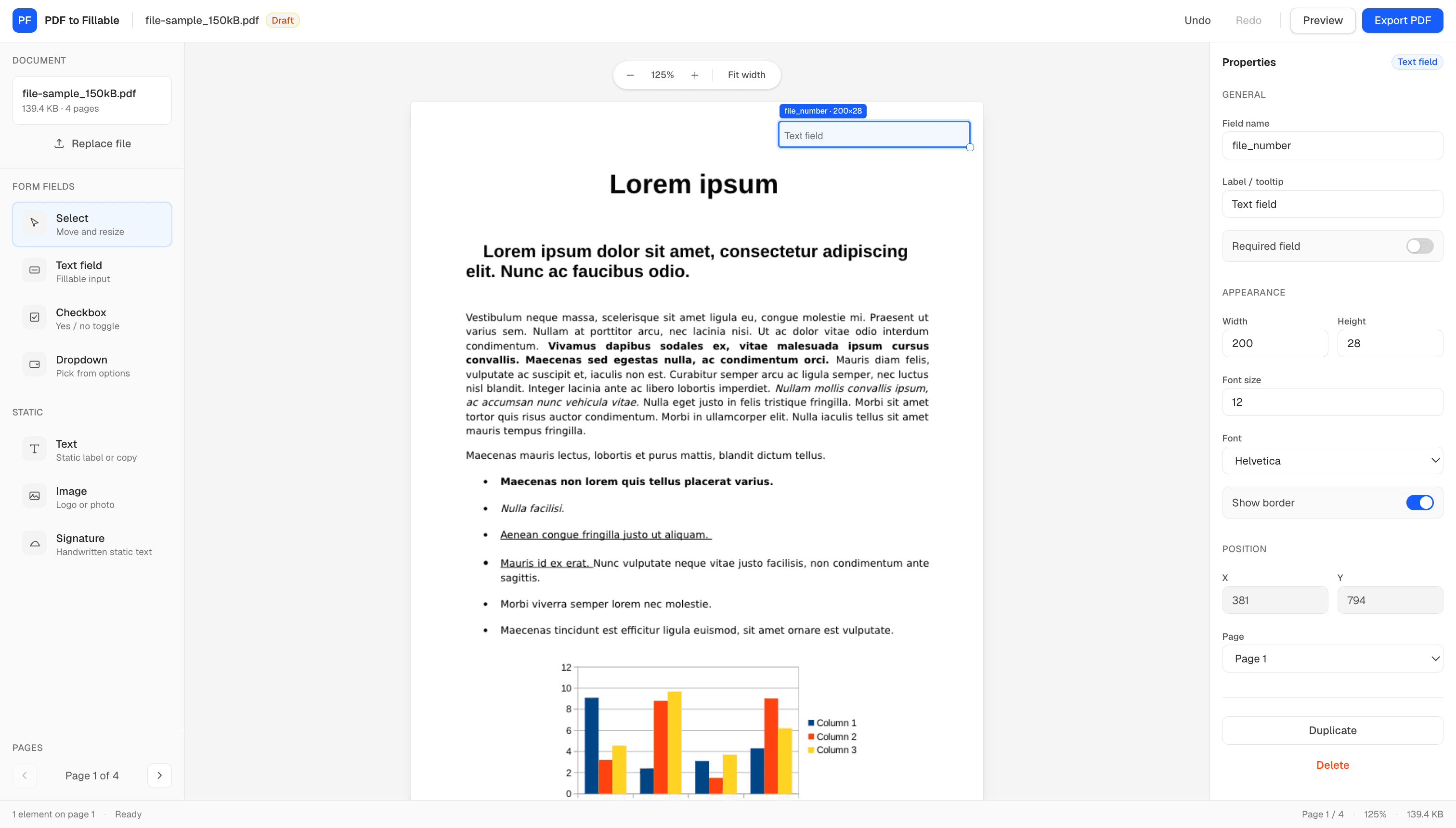
Convert PDFs to fillable forms online. Add text fields, checkboxes, dropdowns, visual signatures, and images, then export — all processed locally in your browser with no server upload.
Guaranteed Maximum Privacy • 100% Client-Side Engine • Zero Server Uploads
Powerful document tools designed for privacy, speed, and precision.
Your files never touch a server. All PDF parsing, rendering, and modifications occur locally in your browser.
Let people sign documents visually. Place signature-style text anywhere on the page — a simple sign-off baked into the PDF, not a certificate or stamp tool.
By signing below, the parties agree to the terms outlined in this document.
Signed
Alex Morgan
Signature-style text placed directly on the PDF
Add text fields, checkboxes, and dropdowns to any PDF so recipients can fill it in.
Add text and images on top of any PDF page. Drop in labels, notes, logos, or photos wherever you need them.
Iframe the editor into your website or app. Free for any origin — no API key required.
<iframe src="/embed" … />Drop the full PDF editor into your app with an iframe. Free to embed on any site — no API key, no allowlist, and the same in-browser privacy your users get on the main editor.
<iframe
  src="https://pdftofillable.com/embed"
  title="PDF to Fillable"
  width="100%"
  height="720"
  style="border:0;border-radius:12px;"
  allow="clipboard-write"
></iframe>window.addEventListener("message", (event) => {
if (event.data?.source !== "pdftofillable") return;
if (event.data.type === "export") {
const { fileName, dataBase64 } = event.data.payload;
// Handle the exported PDF in your app
}
});Ultra-fast, 100% private, and effortless PDF editing for modern workflows.
Server Data Uploaded. Everything is processed locally in your browser.
Client-Side Speed with zero network delays or file wait times.
Instant Exporting for high-resolution vector PDF downloads.
No account required. Open the editor and start building forms immediately.
No account signup or software installation required. Start immediately in your web browser.
100% In-Browser Rendering
See why legal, financial, and product teams trust PDF to Fillable for in-browser PDF creation.
“Because everything processes client-side in the browser, our legal team can sign confidential contracts without violating data protection compliance!”
“The fillable form creator is super clean! I designed a multi-page client onboarding PDF with signature fields in less than 5 minutes.”
“Finally a PDF editor that doesn't force you to upload sensitive files to random servers. Fast, sleek, and 100% private.”
Quick answers about privacy, export, and how the editor works.